.svg)
.png?width=600&height=350&name=InsightHive%20banners%20(23).png)
Should I build or buy embedded AI analytics for my SaaS product?

InsightHive
Build vs. Buy: The AI Analytics Decision Every Product Team Is Facing.
The decision hinges on opportunity cost. While building gives you total control, it forces your engineers to become data infrastructure experts rather than core product innovators. Buying an embedded solution like InsightHive allows you to ship a production-ready, three-pillar AI stack in weeks, avoiding the multi-year maintenance burden of custom-built pipelines and governance layers.
Right now, product teams everywhere are building “AI analytics” into their applications. And on the surface, it looks smart.
Spin up an LLM. Add a chat interface. Generate some dashboards. Call it AI.
But here’s the problem: Most teams are building only 1 of the 3 pillars required for a true AI-Native data stack.
And when you only build the AI layer, you don’t get trusted, contextual, consistent, or actionable analytics.
You get demos.
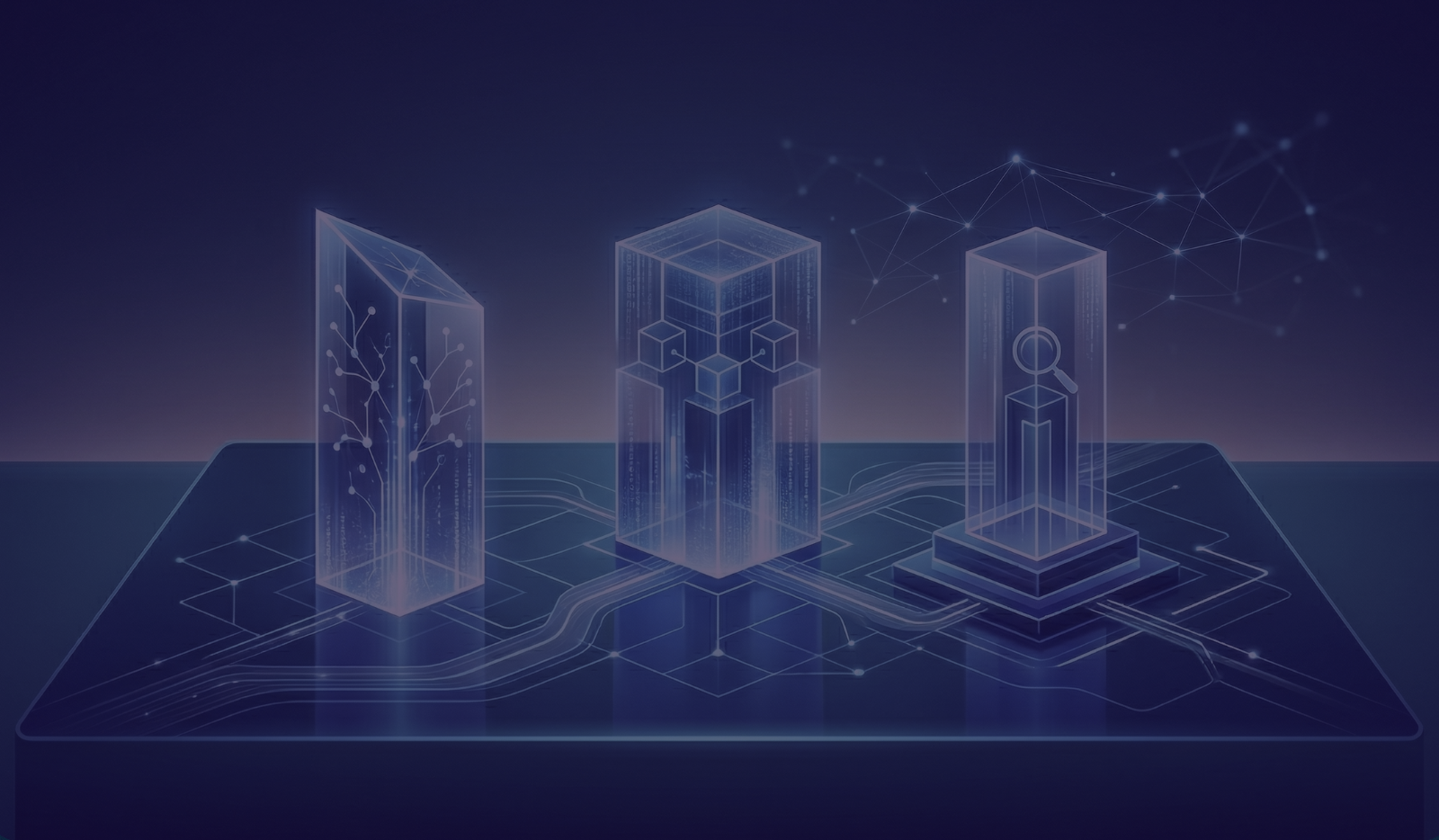
The 3 Pillars of a True AI-Native Analytics Stack
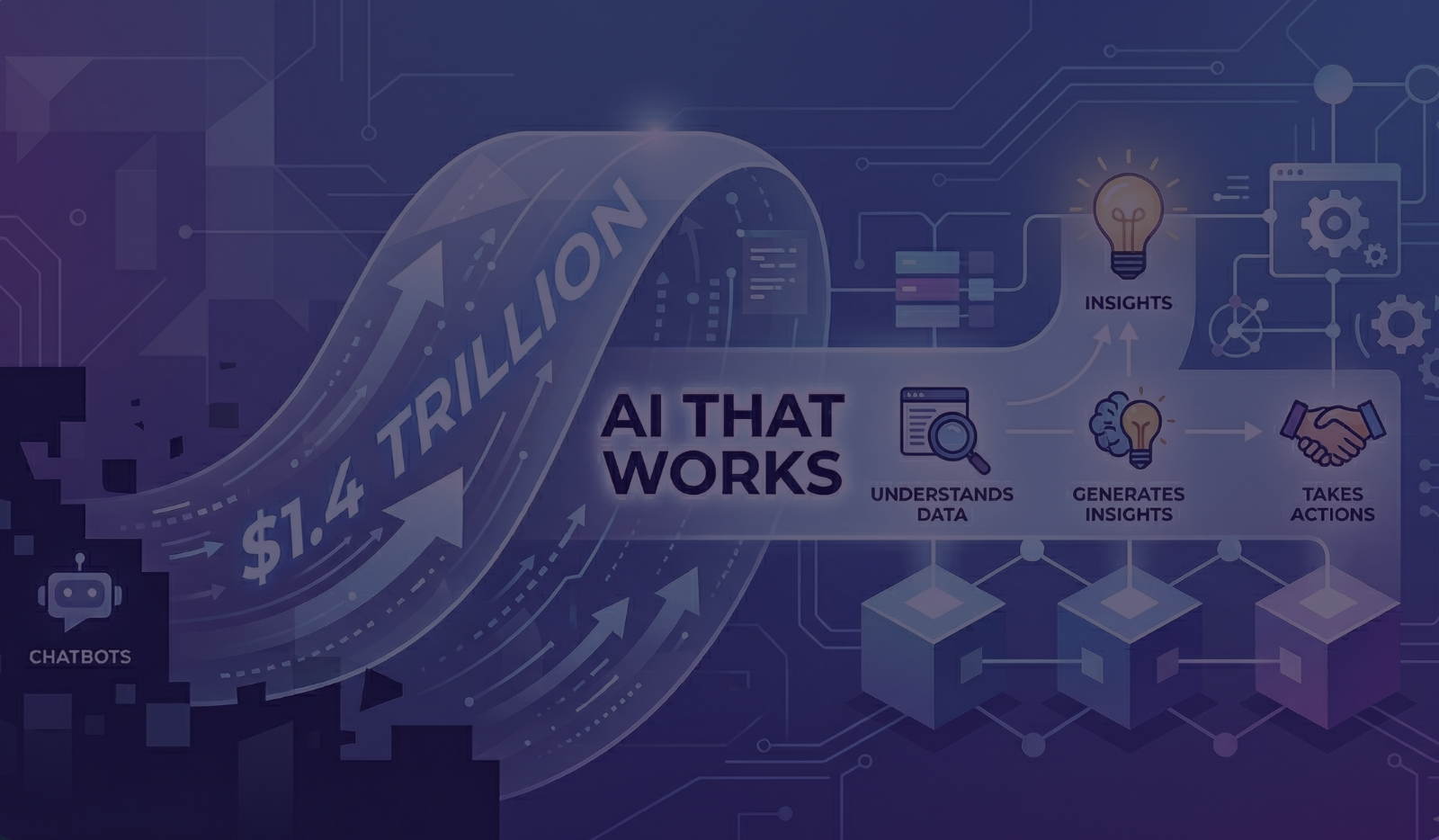
If you want AI analytics that move beyond "chatbots" into autonomous systems your customers actually trust, you need a shift in architecture. You don't just need a pipeline; you need a Context Engine. Here is the blueprint for a modern, AI-Native stack.
Pillar 1: Agentic & Generative AI Analytics (The Sensory Layer)
This is where reasoning meets action. In an AI-Native stack, the interface is no longer a graveyard of pre-built charts. It is a fluid, "Prompt-to-Artifact" workspace that bridges the gap between raw data and human decision-making.
-
Generative "Prompt + UI" Workflows: Users don’t start with a blank canvas or a complex query builder. A simple natural language prompt generates high-fidelity Reports and Dashboards instantly. However, the AI doesn't lock the door; it hands the keys to the user. A Hybrid UI allows humans to fine-tune widgets, swap chart types, and adjust filters via a traditional drag-and-drop builder. It’s the speed of AI combined with the precision of a professional.
-
Artifact Orchestration: Instead of manually pinning a dozen widgets, the AI understands the intent behind a prompt like "Show me our churn risk for Q1 compared to Gong sentiment" and automatically assembles the relevant artifacts: tables, trend lines, and heatmaps into a cohesive dashboard.
-
LangGraph-Powered Autonomous Agents: The "Brain" of the operation uses LangGraph to manage complex, stateful reasoning cycles. These aren't simple chatbots; they are sophisticated agents that follow a "Plan-Act-Refine" loop:
-
Plan: The agent maps out which data sources (Bulk or MCP) are needed.
-
Act: It uses MCP to reach into Salesforce, Zoom, or your Data Warehouse.
-
Refine: It validates the results against your Semantic Layer and adjusts its path if data is missing.
-
Respond: It delivers a synthesized answer or a fully-formed visual report.
-
Agentic Action Loops: Because the agent is built on MCP, it doesn't just "talk" it "works." If an agent identifies a critical insight (e.g., a customer mentioned a competitor in a recorded Zoom call), it can proactively use an MCP tool to trigger a follow-up task directly in the CRM, closing the loop between insight and action.
Pillar 2: Hybrid Connectivity (The Multi-Modal Nervous System)
Connectivity in an AI-native world is no longer just about "moving data from A to B." It is about creating a high-bandwidth nervous system that feeds the AI both Long-term Memory (Historical Bulk Data) and Short-term Context (Real-time conversations).
-
The Bulk Engine (High-Volume ELT): For the heavy lifting, the platform supports traditional, high-volume batch and incremental ingestion. This feeds your Data Warehouse (Snowflake, BigQuery, S3,Azure Blob) with the billions of rows needed for trend analysis, year-over-year comparisons, and large-scale reporting. This is the AI's "Deep Memory."
-
The MCP Context Layer (The Universal Adapter): For the "Right Now," we implement the Model Context Protocol (MCP). This allows the AI Agent to bypass the warehouse when it needs immediate, high-fidelity context. Instead of waiting for a 6-hour sync, the agent uses MCP to live-query:
-
Conversational Data: Grabbing a transcript from a Zoom or Gong call that ended five minutes ago.
-
CRM Live-State: Checking the current "Stage" of a deal in Salesforce or HubSpot without stale data lag.
-
Cloud Storage: Instantly "reading" a PDF or log file from S3 or G-Drive on demand.
-
Bi-Directional Orchestration: Unlike traditional "read-only" pipelines, this architecture is actionable. Because MCP defines Tools, the pipeline can flow backward. If the AI identifies a "Churn Risk" during a bulk analysis, it can reach back through the MCP pipe to update a field in the CRM or post an alert in a Slack channel.
-
Unified Multi-Tenant Routing: To support SaaS at scale, the connectivity layer acts as a dynamic router. It securely maps a user’s specific session to their unique credentials (OAuth/API Keys), ensuring that when the AI calls an MCP tool, it only accesses the data for that specific tenant.
Pillar 3: Semantic Foundation & Governance (The Guardrails)
This is the pillar that separates "AI experiments" from "Enterprise-ready Intelligence." In an AI-native data stack, governance isn't a checkbox; it’s the Semantic Layer that ensures your AI is grounded in reality and your data remains secure.
-
The Unified Semantic & Metrics Layer: You cannot point an AI at raw database tables and expect accuracy. Our platform implements a Semantic Layer that acts as a translator. It defines "Net Revenue" or "Active User" once, so whether the AI is building a prompt-based report or an agent is querying through MCP, the answer is always consistent. It turns cryptic column names into business-ready concepts.
-
Contextual RBAC & Multi-Tenant Isolation: Security must be "AI-aware." By using MCP, our platform enforces Contextual Entitlements. The AI agent inherits the exact permissions of the logged-in user. If a user doesn't have access to "Deal Margin" in Salesforce, the MCP server simply doesn't expose that tool or resource to the AI. This eliminates the risk of cross-tenant data leakage or unauthorized access.
-
Human-in-the-Loop (HITL) Governance: While we empower "Prompt-to-Artifact" creation, we maintain a "Trust but Verify" model. When an AI generates a dashboard, the Hybrid UI allows a human to audit the underlying logic, tweak the filters, and "certify" the report. This creates a transparent audit trail where AI speed meets human accountability.
-
Verifiable Lineage & Audit Logs: Every action taken by a LangGraph agent from fetching a Zoom transcript via MCP to calculating a churn metric in the warehouse is logged with full transparency. You can see exactly why an agent reached a conclusion, which data sources it touched, and the specific business logic it applied.
Summary: From Pipelines to Context
The transition to an AI-Native Analytics stack is a move from static pipes to an active nervous system. By combining the Bulk Power of traditional ELT with the Real-time Agility of MCP all orchestrated by LangGraph agents you aren't just showing your customers data. You are giving them an autonomous partner that can build, analyze, and act on their behalf.
The shift to AI-Native isn't just about adding an LLM. It's about replacing fragile, hardcoded jobs with a Hybrid Pipeline that treats every data source from a billion-row table to a ten-minute-old Zoom call as a discoverable, secure, and actionable resource.
Why “Build” Sounds Cheaper, But Isn’t
When teams decide to build, they usually scope the AI layer. They don’t fully scope:
-
Ongoing pipeline maintenance
-
Connector updates
-
Metric definition management
-
Governance evolution
-
Performance optimization
-
Security hardening
-
Lineage tracking
What looks like a 3–6 month feature becomes a multi-year platform initiative.
And now your product team is maintaining analytics infrastructure instead of building your core product differentiation.
Buy vs. Build: The Strategic Question
The real decision isn’t: “Can we build AI dashboards?” Of course you can.
The real question is: “Do we want to own and maintain an entire AI-Native data stack?”
To make AI analytics trusted, reliable, contextual, and actionable, you need all three pillars working together.
Miss one, and the system becomes fragile.
Miss two, and you have a demo.
Why InsightHive Exists
InsightHive was built specifically to deliver all three pillars as a native, embedded layer inside SaaS products:
-
Agentic AI Analytics
-
Enterprise-grade Data Connectivity
-
Governance-first Data Foundation
-
White-labeled.
-
Embedded.
-
Native UX.
So your customers get self-service AI analytics without your product team becoming a data infrastructure company.
Frequently Asked Questions
1. Why is a traditional data pipeline insufficient for AI-native analytics?
Standard pipelines are "dumb" pipes—they move data from A to B on a schedule. AI requires a "nervous system." To provide trusted answers, the system needs both the deep memory of a data warehouse and the immediate context of a live conversation or CRM state. Without the Hybrid Connectivity and Semantic Layer described in the three pillars, your AI is essentially guessing based on stale information.
2. Can’t we just wrap an LLM around our existing database to get these results?
You can, but it won’t scale and it won’t be accurate. Raw database schemas are cryptic; an AI needs a Semantic Layer to act as a translator. Without this foundation, the AI will hallucinate "Net Revenue" or "Active Users" differently every time. You aren't just building a chat box; you're building a source of truth. If the truth isn't consistent, the product is a liability.
3. How does InsightHive handle multi-tenant security and data leakage?
This is the "security hardening" trap that sinks most internal builds. We use a "Contextual Entitlements" model via the Model Context Protocol (MCP). The AI agent inherits the exact permissions of the logged-in user in real-time. If a user can’t see a specific deal in their CRM, the AI doesn't even know that data exists. We’ve built the guardrails so your team doesn't have to reinvent SOC2 compliance for AI.
4. What is the real "Total Cost of Ownership" for building an AI analytics layer?
The "build" looks cheaper on a spreadsheet for the first three months. But once you factor in ongoing connector maintenance, metric definition management, and the constant evolution of model orchestration (like LangGraph), it becomes a multi-year platform initiative. You have to decide: do you want to be an analytics infrastructure company, or do you want to build your core product?
5. How does the "Human-in-the-Loop" model work in an autonomous system?
Visionary AI shouldn't be a "black box." Our architecture uses a Hybrid UI that allows users to prompt an insight into existence and then immediately fine-tune it with traditional tools. We provide a verifiable audit trail for every agent action. This ensures speed doesn't come at the expense of accountability; the AI does the heavy lifting, but the human remains the ultimate authority.