.svg)


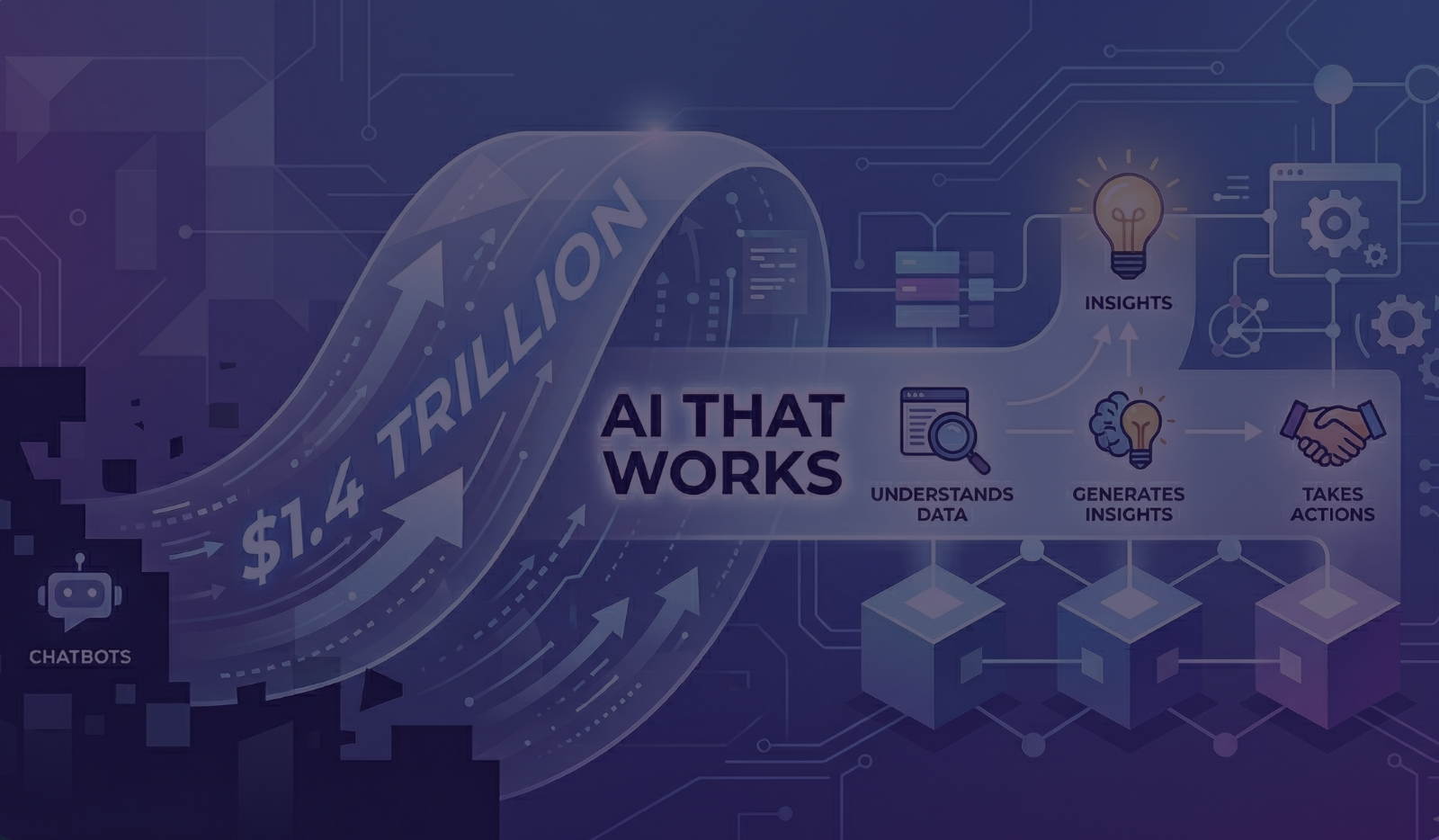
Real AI That Works: How SaaS AI Platforms Turn Context Into Action

InsightHive
One of the most exciting things about our company InsightHive is seeing how our customers use it to bring AI into real operational workflows.
One of our customers is an AI-powered SaaS platform serving auto dealerships. Their mission is simple but powerful:
Take care of a customer, understand what they want and deliver.
Their platform answers inbound calls, reaches out to prospects, books appointments, and follows up automatically for dealership sales teams.
They use InsightHive to become an AI-native platform that better serves their customers. InsightHive’s Integrator provides bi-directional data integration, while InsightHive’s Analyst delivers AI-driven insights and agents that suggest and perform tasks directly within the user’s workflow.
The following is one of the use cases that describes why they use InsightHive:
Lead volume can be overwhelming. Sales reps are juggling:
- Internet leads
- Phone inquiries
- Trade-in questions
- Service follow-ups
- Appointment confirmations
- Pricing questions
And buried in all that noise are buyers who are ready right now.
The Problem: Too Many Leads, Not Enough Clarity
Dealership sales reps often receive dozens or hundreds of leads per day. The real challenge isn't getting leads, it's knowing:
- Which lead requires immediate attention?
- What the customer actually needs right now.
- What action will move the deal forward fastest?
That’s where InsightHive came in.
Turning AI Insights Into Immediate Action
Using InsightHive’s Agent Builder, this SaaS company is creating agents that help sales reps instantly understand and act on what matters.
One real example:
A prospect contacted the dealership requesting a vehicle history report for a car they were considering.
Normally, this might get lost in the shuffle while the sales rep:
- Sorts through multiple leads
- Responds to emails
- Returns phone calls
- Handles customers in the showroom
Using this system gives the sales rep an unfair advantage over other dealerships.
The InsightHive agent:
- Understands the intent of the lead and identifies the request
- Prioritizes it for the sales rep and makes suggestions
- Pulls the necessary data
- Then triggers the action to deliver the car’s history report upon approval by the sales rep
The result:
A fast, relevant response to a motivated buyer. (And in automotive retail, speed often wins the deal.)
The Hidden Work Behind AI
What made this possible wasn’t just an LLM. Behind the scenes, InsightHive helped this SaaS platform:
- Integrate dealership data sources into a trusted data foundation
- Translate calls, transcripts, and emails into structured signals the AI can understand
- Surface actionable insights directly inside the product
- Build agents that take real operational actions
InsightHive ensures AI that works for this SaaS company that’s now truly AI-powered.
Why This Matters
AI that filters signal from noise and takes the right next steps will make great salespeople dramatically more effective.
When the right insight appears at exactly the right moment, it transforms how teams work.
And sometimes the difference between winning or losing a sale is simply:
Who delivered what the customer asked for first.
If you're building a SaaS product and thinking about embedding AI-driven customer facing analytics or agents into your platform, I'd love to compare notes.
AI that really works is AI that understands context and takes action.
Frequently Asked Questions
How does InsightHive ensure the AI insights are based on reliable data?
The system doesn’t just sit on top of an LLM; it builds a trusted data foundation by integrating fragmented sources (CRM, product logs, and billing) and normalizing them into structured signals. This "hidden work" ensures the AI is acting on pristine, current data rather than hallucinations.
Can non-technical users truly build their own reports and agents?
Yes. The platform is designed for self-service, moving away from a reliance on data specialists. Users can use natural language prompts to "ask a question and see the answer," or use drag-and-drop tools to build dashboards and agents that trigger specific operational workflows.